
Image to 3D Model, Free — No Account Needed
Two renders a day, no account, no credit card. Each one is a full textured mesh — watermarked and capped at 20,000 faces, which is enough to see whether your picture converts. Create a free account and the watermark comes off. This page lays out exactly what free covers, what it doesn't, and how to get a good mesh on the first try.
AI Image-to-3D Workbench
Upload a reference image, pick a generation model, and get a production-ready GLB in seconds. Preview it right here in the viewport, then download.
What free actually gets you
Plenty of tools say "free" and mean "free until the third click." Here is the whole arrangement, in numbers:
Open the generator, drop an image, download. Watermarked mesh, up to 20K faces, GLB/OBJ/STL. No email, no card, nothing to cancel later.
Start now →The watermark comes off at the same quality. 300 credits reset every month — roughly 300 fast drafts, 75 textured meshes, or 37 high-detail renders.
Sign up free →A 1M-face ceiling, full PBR texture maps and a commercial license. Free output is licensed for personal projects — client work starts at the paid tier.
See pricing →
| · | No account | Free account | Pro |
|---|---|---|---|
| Price | $0 | $0 | from $19.9/mo |
| Sign-up | None | ||
| Volume | 2 renders a day | 300 credits a month | 5,000+ credits a month |
| Watermark | Yes | No | No |
| Mesh detail | Up to 20K faces | Up to 20K faces | Up to 1M faces |
| License | Personal use | Personal use | Commercial |
One boundary applies to every row: free renders are for your own projects. The day a model ships in client work or a product you sell, that's what the paid plans are for.
The second paint pass: why engines differ by 20x
A Reddit benchmark rented one RTX 4090 and ran four open-source engines on the same photo — 8.5 seconds to 239 seconds per model. The gap is not speed. It is paint.
| Engine (open source) | Median | File | What you get |
|---|---|---|---|
| Hi3DGen | 8.5 s | ~5 MB | Clean mesh, no texture |
| TRELLIS v1 | 21.3 s | ~1.5 MB | Textured, ships as is |
| TRELLIS.2-4B | 167.5 s | ~35 MB | Best texture, heavy files |
| Hunyuan3D-2 | 239.4 s | ~12 MB | Best shape-texture balance |
Fast engines hand you raw geometry. Slow ones run a second pass to paint the object. Neither is "better" — they are different products: under ten seconds means live iteration; three minutes means a queue.
Our engine picker is the same menu without the GPU rental: create a 3D model from a picture in ~15 s on Tripo SR, get clean topology and texture from TRELLIS 2 in ~45 s, or full detail from Hunyuan3D v3 in ~90 s. Times are ranges, not promises — anyone quoting a single number with no range is selling something.
Benchmark: r/aigamedev — one rented RTX 4090, 40 generations, full ranges in the thread.
Which pictures become good free 3D models
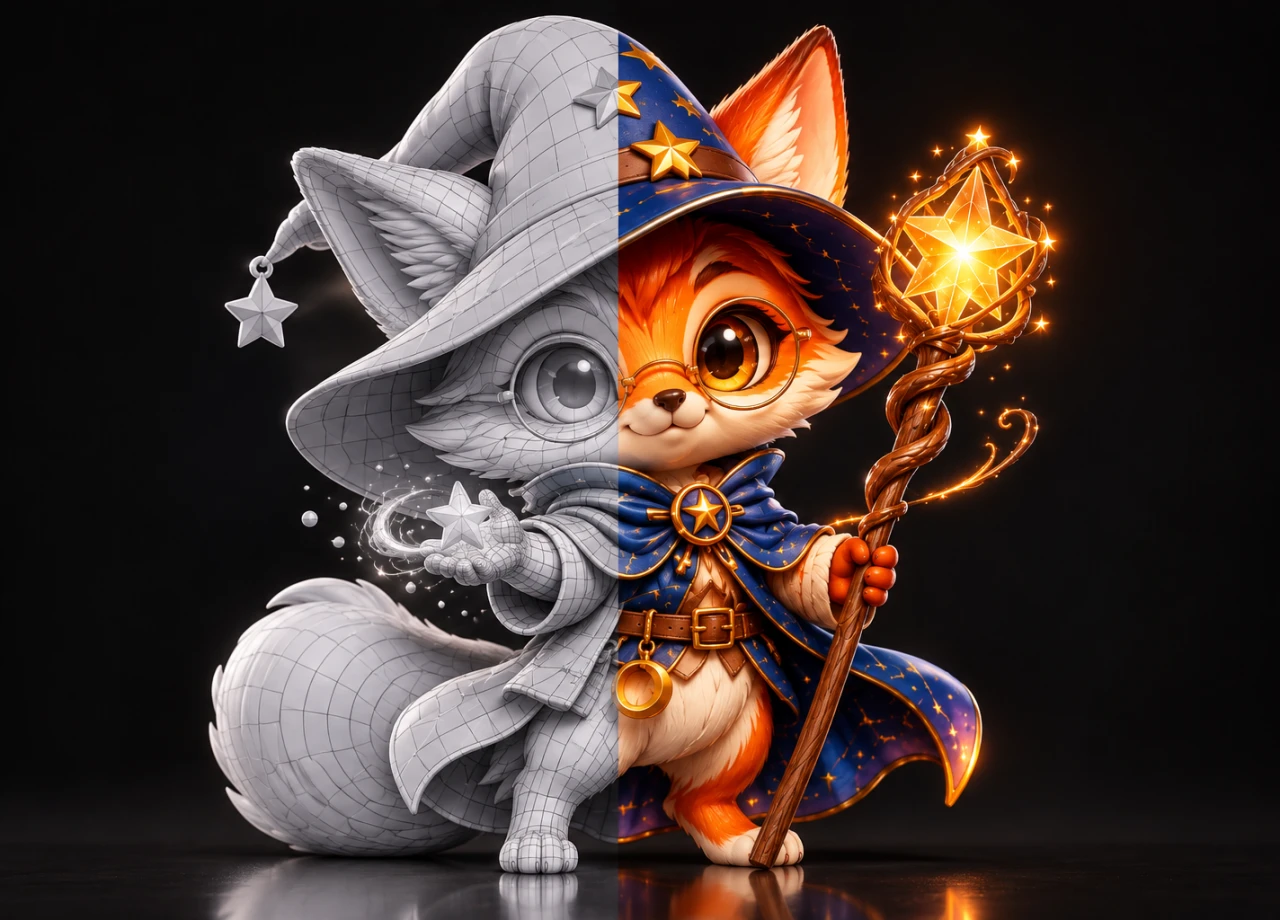
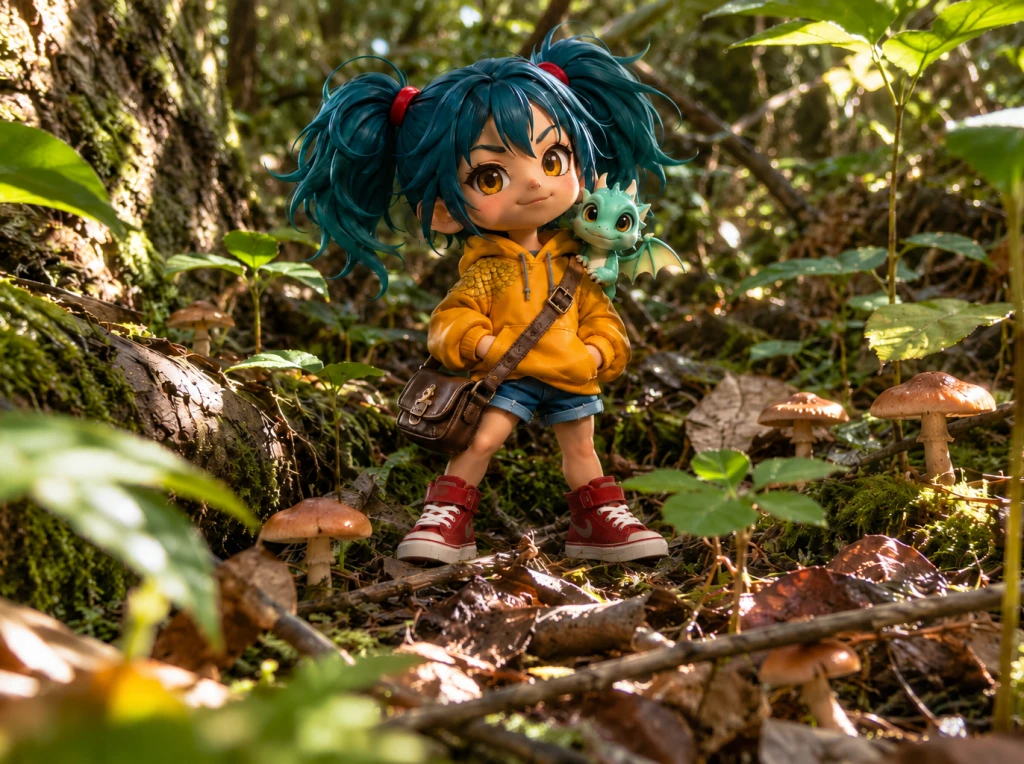
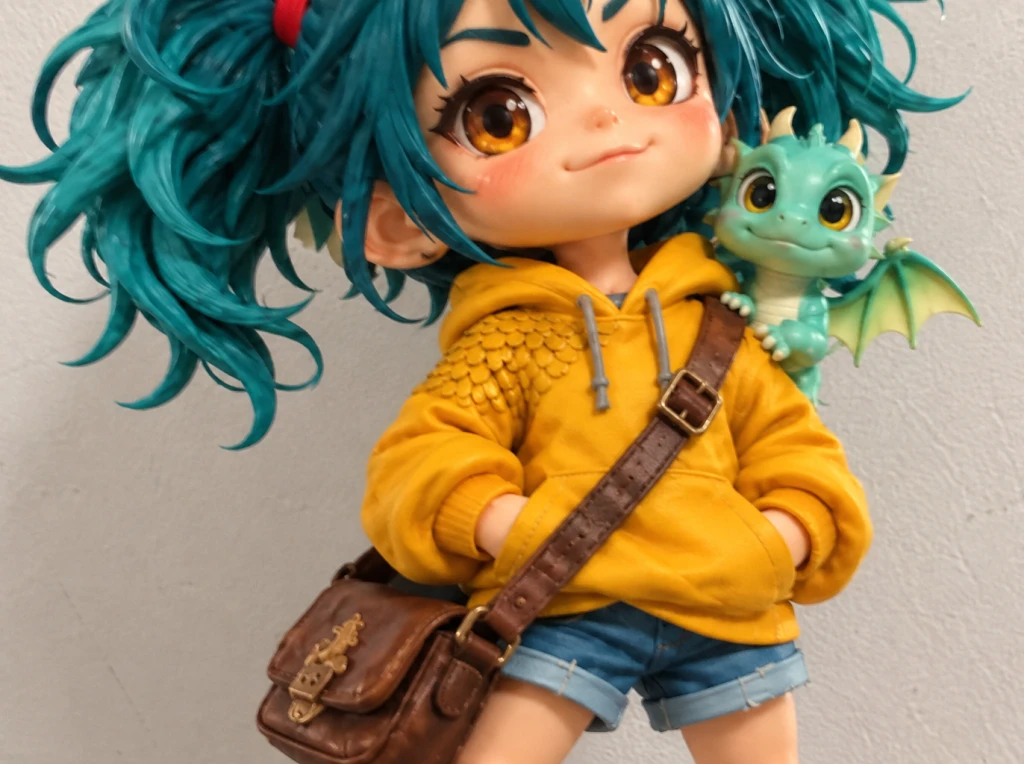
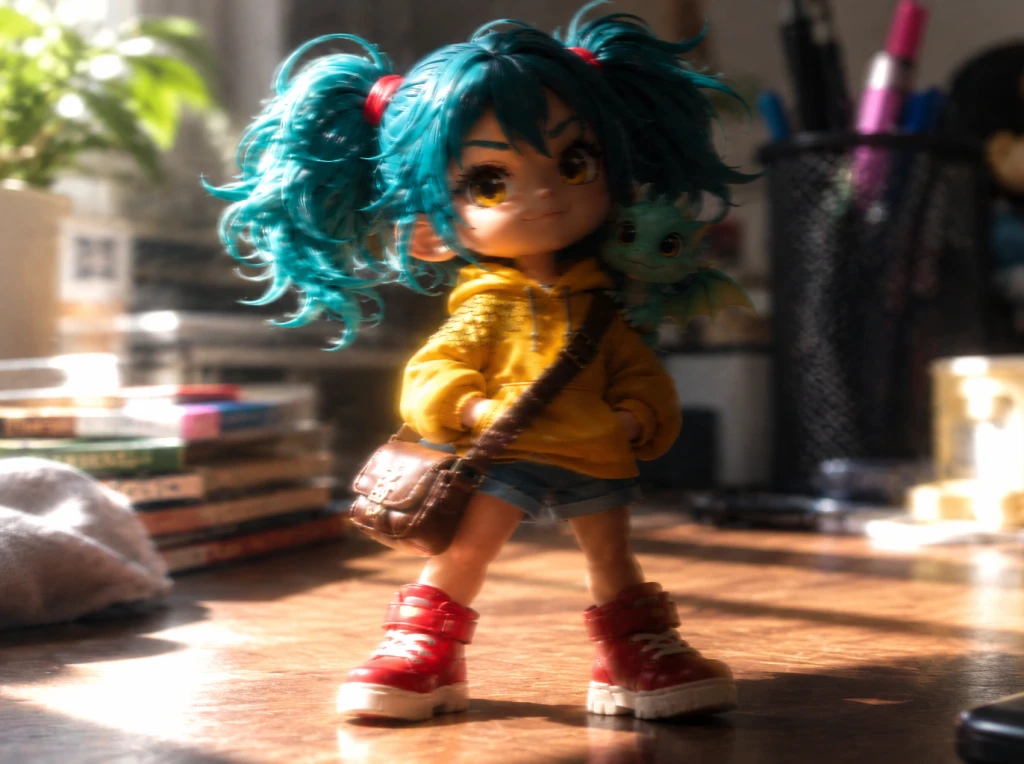
The engine reads one photo and infers the rest, so the photo sets the ceiling. Six habits that raise it:
Phone photos are fine. Tap to focus, skip the digital zoom, shoot in daylight.
After the download: where the file goes
Downloads are plain files in GLB, OBJ and STL — the same formats on every tier, nothing paywalled. The usual next stops:
Blender
File → Import → glTF 2.0. Textures arrive attached; retopologize, remesh or repair from there.
Unity
Install a glTF importer (GLTFast or UnityGLTF), drag the GLB into Assets. Scale imports in meters.
Slicers
STL opens directly in Cura, PrusaSlicer and Bambu Studio. Check wall thickness before printing — AI meshes can hide thin spots.
SketchUp
SketchUp doesn't read GLB natively. Import in Blender, export DAE or FBX, then bring that file in.
Need a different file format? The OBJ to STL converterturns downloaded models into print-ready files right in your browser, and the image to STL convertergenerates a printable mesh straight from a photo.
Printing the model: two routes from one photo
The AI route: generate a full closed mesh, export STL, print. Best for figurines, props and anything that should stand up in three dimensions.
The heightmap route: a converter turns image brightness into surface depth — lithophanes, coins, logo plaques. Flat relief, very printable, but it will never grow a back side.
Rule of thumb: volume shapes go through the AI route; a raised picture on a flat plate goes through a heightmap.
Free tiers, honestly compared
Google’s AI Overview for this search rounds up the usual free tiers. Here is that list with the fine print spelled out — ours included:
| Tool | Free deal | License | The catch |
|---|---|---|---|
| ImageTo3D (this page) | 2 renders/day → 300 credits/mo | Personal | Watermark until you sign in; commercial needs paid |
| SupaVoxel | 3 models a day, no login | As published | GLB output |
| Meshy | 100 credits a month | CC-BY 4.0 | Attribution required on free output |
| Tripo | 200 credits a month | Non-commercial | No client work on the free tier |
| AI3DGen | Free, no sign-up | As published | OBJ output |
| Open source (TRELLIS · Hunyuan3D) | Weights + demos, free | Open license | Bring your own GPU or wait in the queue |
Terms move — check a tool’s current page before committing work to it. The row that matters most is the last column: what happens when a free render has to appear in something you sell.
Free image-to-3D: four ways to do it
AI generation is one branch of four. Maker forums compare them constantly — the short version:
| Approach | What you get | Best for |
|---|---|---|
| AI generation (this page) | A full textured mesh from one photo, in minutes | Figurines, props, mockups, game assets |
| Heightmap converters | Depth from brightness; flat relief only | Lithophanes, coins, plaques |
| Photogrammetry | Measured geometry from 20+ photos | Objects you can walk around and shoot |
| CAD extrusion | Exact dimensions, drawn by hand | Mechanical parts and brackets |
The four chain together more than they compete: scan with photogrammetry, draft with AI, finish in CAD. The AI route is simply the only one that starts from a single photo.
Where the free tier stops
20,000 faces is plenty to judge a shape and print small objects. It is not a production mesh — fine surface detail and tidy topology arrive with paid generations, up to a million faces.
The watermark on no-account renders is the visible trade. A free account removes it at the same quality; that is the only difference between the two.
And the license, since nobody else puts it in plain words: free output is for your own projects. Every tool in this market works this way — this page just says it out loud.
Free tier questions
Is image to 3D model really free?
Yes, with the specifics spelled out: two renders a day without an account — watermarked, up to 20K faces, personal use. A free account brings 300 credits a month and removes the watermark.
Do I need to sign up or enter a credit card?
No. The generator on this page runs without an account. An email address gets you the watermark-free tier; a card only enters the picture if you choose a paid plan.
How long does one free model take?
The fast engine drafts in about 15 seconds; the detailed ones run 45–90 seconds. Upload to download usually lands under two minutes.
Which image formats can I upload?
JPG, PNG, WebP, GIF and AVIF, up to 10 MB per file.
What 3D formats can I export for free?
GLB, OBJ and STL — the same formats as paid generations. No export format is paywalled.
Can I use free models commercially?
No. Free renders carry a personal-use license. Commercial, client-ready licensing comes with paid plans.
What makes a picture convert well?
One whole subject on a plain background, even lighting, sharp focus. The input guide above has the full checklist.
Why does my free model look rougher than the gallery?
Free previews cap at 20K faces and carry a watermark. Gallery pieces are paid-tier output — up to 1M faces with full PBR textures.
How many images can I try?
Two a day from your browser without an account. Signed in, you draw from 300 monthly credits instead — roughly 75 textured renders.
Sources
The format, engine and print claims on this page trace to primary documentation:
Try it on your own picture
Two renders a day, no account. Drop an image into the generator above and see whether it converts — before you spend anything on 3D.
Convert an image — free