
Image to STL Converter
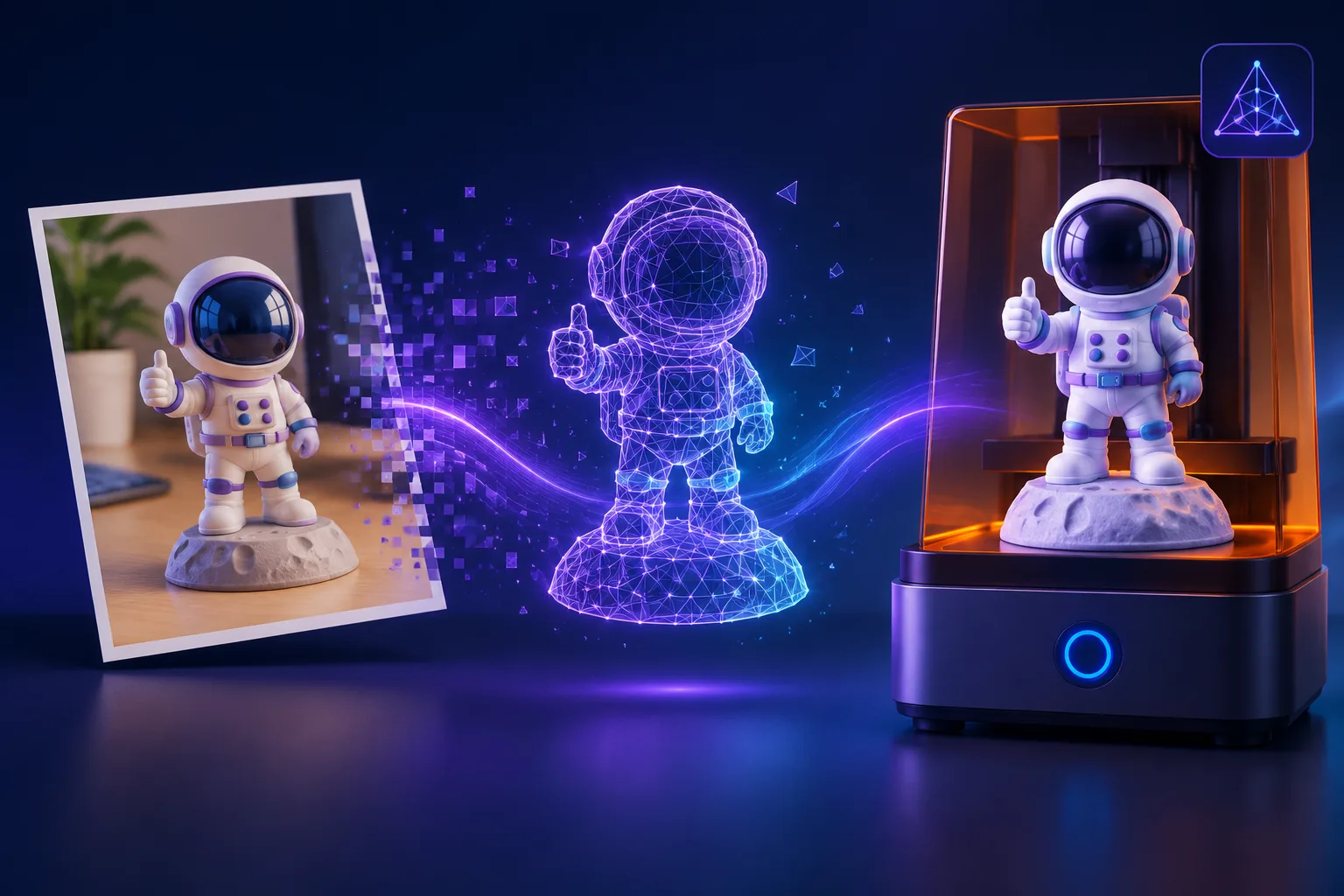
Upload a photo or drawing and AI turns it into a real 3D mesh — not a flat relief. Preview it in your browser, then download a print-ready STL in one click.
AI Image-to-STL Workbench
Upload a reference image, pick a generation model, and get a print-ready STL or GLB in seconds. Preview it right here in the viewport, then download.
Why convert with ImageTo3D
Free to start
Your first generation is free — no card, no commitment.
AI mesh, not flat relief
One photo becomes true volumetric geometry instead of a heightmap emboss.
Print-ready exports
Binary STL your slicer accepts — verify tolerances in your slicer as with any mesh.
STL & GLB in one pass
Same model, both formats — STL for the printer, GLB for engines.
How to Convert an Image to STL in 3 Steps
Whether you searched for a PNG to STL converter, a JPG to STL converter, or wondered how to turn a JPEG into an STL file, the workflow is the same — one image in, one printable mesh out.
Upload a JPG, PNG or WEBP
Pick any image on your device — a photo of an object, a character sketch, a product shot. Clear subjects on a plain background convert best.
AI generates a solid mesh
The image-to-STL model reconstructs the object's geometry into a closed mesh with real depth — not a flat picture extruded upward.
Download the STL and slice it
Preview the result in your browser, download the STL, and open it in your slicer (Cura, PrusaSlicer, Bambu Studio) to print.
Two Honest Ways to Turn an Image into STL: AI Mesh vs Heightmap
"Image to STL" tools are not all the same. They split into two families with very different outputs — pick the one that matches what you want to print.
AI mesh (this tool)
A vision model reconstructs the object itself: real volume, curved surfaces, geometry that holds up from any angle. Best for figures, prototypes and replacement parts.
Heightmap relief converters
The image's brightness becomes depth, so the STL is a flat plaque with the picture sculpted into its surface. Best for lithophanes, embossed logos, coins and nameplates.
Rule of thumb: if you could walk around the object in real life, use an AI mesh; if the picture is the artwork, use a heightmap. This page does the former.
Why STL Is Still the Format 3D Printers Speak
STL stores pure surface geometry — triangles and nothing else. That simplicity is why every slicer, every hobby printer and every CAD package released in the last 30 years opens it without complaint. When a generated model lands as STL, it goes straight to the printer with no format friction.
The trade-off: STL carries no color or texture. That's usually fine for printing — and if you also want a web-viewable, material-rich copy, this tool exports GLB alongside STL, and our OBJ ⇄ STL converter covers the rest.
What People Turn into STL Files
Figures & miniatures
Turn character art, game screenshots or hand-drawn sketches into printable figures and tabletop miniatures.
Rapid prototypes
Sketch a product idea, generate it as STL, and hold a first physical draft the same afternoon.
Replacement parts
Photograph a broken bracket, knob or clip and rebuild an STL close enough to print a stand-in.
Scale models & teaching aids
Convert illustrations of organs, buildings or molecules into tangible classroom models.
Supported Input & Output Formats
Input: JPG · PNG · WEBP
Any standard raster image up to 10 MB. JPEG, PNG and WEBP all work; GIF and AVIF are accepted too.
Output: STL + GLB
Binary STL for printing, GLB for web preview, sharing and AR viewers. The mesh is identical — only the container differs.
Frequently asked questions
Is the image to STL converter free?
Yes — your first generation is free, no card required. After that, generations cost a few credits from a paid plan; downloading the STL itself is never charged extra.
How long does a conversion take?
Between roughly 15 and 90 seconds depending on the model you pick in the workbench. Keep the page open — the live preview starts rotating as soon as it's done.
Is the generated STL watertight and printable?
The mesh comes out as a closed surface, but no automated export can guarantee a perfect print on every printer. The honest workflow: load the STL into your slicer and run its built-in mesh check before you commit resin or filament.
Which image formats can I use — do JPG and PNG both work?
Both, plus WEBP, GIF and AVIF. For a JPG to STL conversion, avoid heavy JPEG compression artifacts — they confuse surface detection. For PNG to STL, transparent backgrounds help the AI find the subject outline.
Should I use an AI mesh converter or a heightmap converter?
Use an AI mesh (this page) when you want a 3D object that looks right from any angle. Use a heightmap converter when you want the image itself preserved as a relief — lithophanes and engraved plaques. Many print shops keep both in their toolkit.
Can I sell things I print from the generated STL?
Models you generate from your own images are yours — print and sell the outputs. You own the input image, so make sure you're not converting someone else's copyrighted artwork into merchandise.
Related Tools & Guides
Turn a Picture into Something You Can Hold
One image, one mesh, one printable STL — the workbench is right above, and your first conversion is free.
Start Converting